
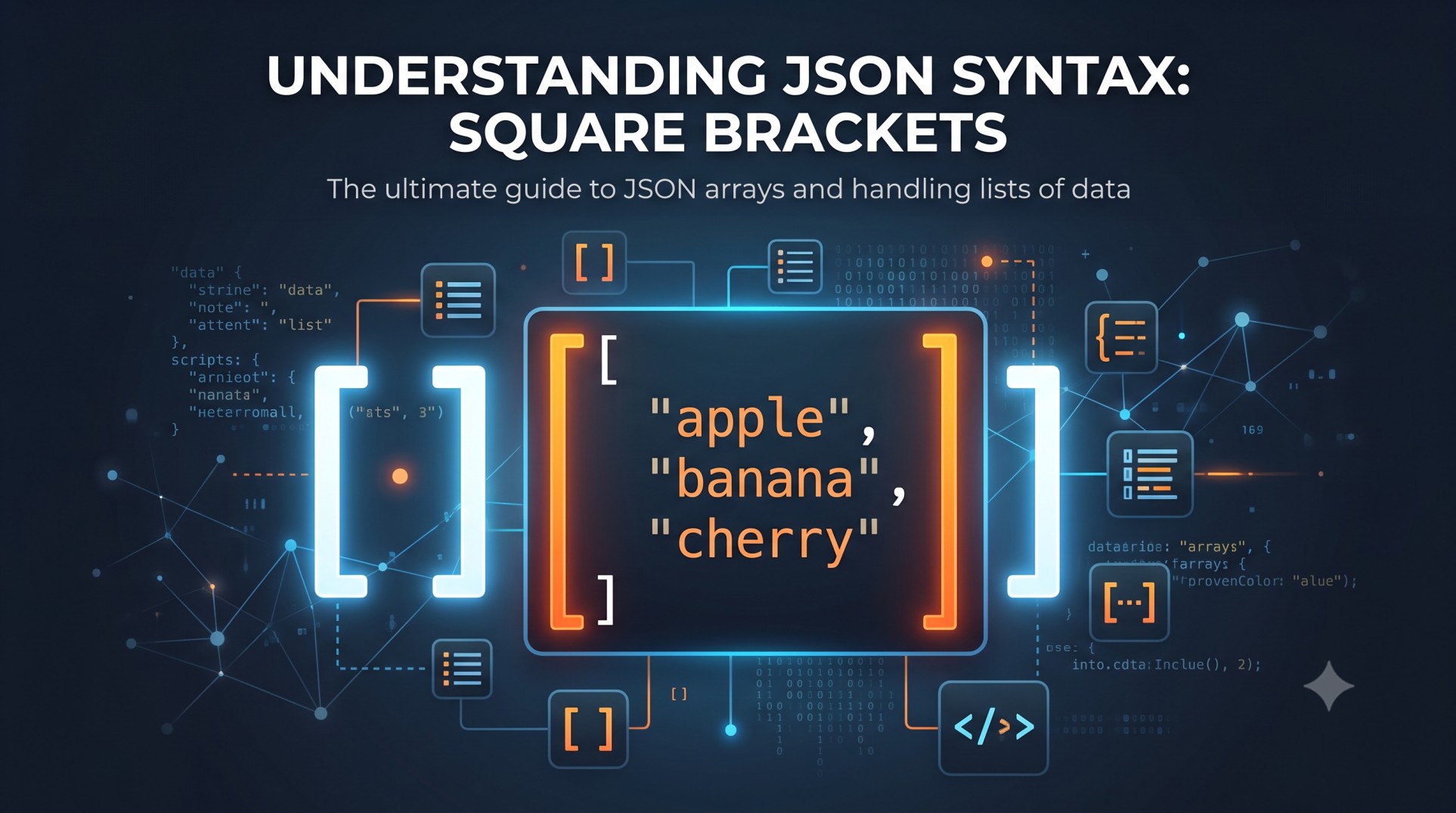
Square brackets in JSON syntax, written as [ ], define an array. An array is an ordered list of values, and it is one of only two structural containers that JSON supports, the other being the object, which uses curly braces instead. If you have ever opened a JSON file or an API response and wondered why some sections are wrapped in [ ] while others are wrapped in { }, this guide walks through exactly what that difference means and why it matters.
This distinction trips up a lot of people coming from other languages, especially those who are used to loosely typed formats or configuration files that do not enforce a strict structure. JSON does enforce structure, and getting brackets and braces mixed up is one of the fastest ways to break a file that otherwise looks correct. This guide covers what square brackets mean, how they compare to curly braces, the syntax rules that govern arrays, a full nested example you will recognize from real APIs, the most common bracket-related errors and how to fix them, how array items are accessed in practice, and a set of frequently asked questions to round it out.
What Do Square Brackets Mean in JSON
Square brackets always denote an array in JSON. An array is an ordered list of values, and the items inside the brackets are separated by commas. Unlike the entries in a JSON object, the items in an array do not have names. Their position in the list is what identifies them, not a label.
Here is the simplest possible example of a JSON array:
json
["red", "green", "blue"]This is a three item array. The first item is “red”, the second is “green”, and the third is “blue”. There is nothing labeling any of these values beyond their order, which is exactly the point of an array. If you need to look something up by a name rather than a position, you are looking at a different structure entirely, which is the JSON object, covered next.
Square brackets are one of only two structural containers the JSON specification defines. The other is curly braces, used for objects. Every piece of structure in a JSON document is built from some combination of these two containers, plus a small set of value types like strings, numbers, booleans, and null.
Square Brackets vs Curly Braces: The Core Rule
This is the question that brings most people to a page like this one: what is actually different between square brackets and curly braces in JSON, and how do you know which one to use.
The rule is straightforward once it clicks. Square brackets [ ] mean an array, an ordered list reached by position. Curly braces { } mean an object, a collection of named key-value pairs reached by their key. They are not interchangeable, and picking the correct one is the first decision you make when shaping any piece of JSON data.
| Container | Symbol | Structure | How You Access a Value |
|---|---|---|---|
| Array | [ ] | Ordered list of values, no names | By position, starting at index 0 |
| Object | { } | Named key-value pairs, order does not matter | By key name |
An array is a sequence. The values sit between the square brackets, separated by commas, and their position is what identifies each one. There are no names attached to the items. This is the right shape whenever you have a list of similar things where the order actually carries meaning, such as a list of tags, a list of user roles, or a sequence of steps.
json
["red", "green", "blue"]An object, by contrast, is a labeled record. Each entry inside the curly braces is a key, always written as a quoted string, followed by a colon and then a value. Entries are separated by commas, just like in an array, but here you reach a value by its key rather than its position, and the order of the keys does not matter.
json
{
  "name": "Ada",
  "age": 36,
  "active": true
}
A simple rule of thumb makes this decision automatic. If you find yourself wanting to write item one, item two, item three, you want an array and square brackets. If you want each value to have a name, such as title, price, or color, you want an object and curly braces. In real JSON documents, the two combine constantly. An object will often contain an array as one of its values, and an array will often contain a list of objects. That combination is covered in detail in the nested example section below.
JSON Array Syntax Rules
Once you know that square brackets mean an array, there are a handful of syntax rules that determine whether that array is actually valid JSON or not. These rules apply strictly, and JSON gives no partial credit for a document that almost follows them.
- Values inside an array are separated by commas, and a comma appears only between two items, never after the final one.
- Array elements can mix data types. A single array can legally contain strings, numbers, booleans, null values, objects, and even other arrays, all in the same list.
- Arrays are zero-indexed when you access them programmatically, meaning the first item sits at position 0, the second at position 1, and so on.
- An empty array is written as two square brackets with nothing between them, like this: []
Here is a quick comparison of a valid array against an invalid one that breaks the trailing comma rule:
Valid:
json
["apple", "banana", "cherry"]Invalid, because of the trailing comma after the final item:
json
["apple", "banana", "cherry",]That second example looks almost identical to the first, and in many programming languages a trailing comma like that is perfectly fine. JSON is stricter. A trailing comma inside square brackets will cause a strict JSON parser to reject the entire document, not just that one array. This particular mistake is common enough that it gets its own section further down, along with the rest of the errors people run into most often.
Nested JSON Arrays and Objects: A Worked Example
Real world JSON is rarely as flat as a single array of three colors. Because any value inside an array or an object can itself be another array or another object, JSON documents can nest to whatever depth the data actually needs. The trick to reading a nested document is to ask, at every bracket you encounter, whether you are looking at a list, which means square brackets, or a labeled record, which means curly braces.
Here is a realistic example that mixes both containers, representing a single user:
json
{
  "user": {
    "name": "Ada",
    "roles": ["admin", "editor"],
    "address": {
      "city": "London",
      "postcode": "SW1A 1AA"
    }
  },
  "tags": ["json", "syntax", "guide"],
  "verified": true
}
Walking through this bracket by bracket: the entire document is one object, shown by the outermost curly braces. Inside it, the “user” key holds another object. Inside that nested object, “roles” holds an array of two strings, written with square brackets, and “address” holds yet another object, written with curly braces. Back at the top level, “tags” is a separate array of strings, and “verified” is a plain boolean value with no brackets or braces at all, since it is neither a list nor a labeled record.
This pattern, an array whose every element is an object sharing the same set of keys, is the single most common shape you will encounter when working with real APIs. It is worth memorizing on its own:
json
[
  {"id": 1, "name": "Ada"},
  {"id": 2, "name": "Grace"},
  {"id": 3, "name": "Alan"}
]
This is an array of objects. The outer square brackets say this is a list. Each item in that list happens to be an object with an “id” and a “name” key. This exact shape is what you get back from almost any API endpoint that returns a collection, whether that is a list of users, a list of products, or a list of orders. Once reading bracket by bracket becomes second nature, even a large, deeply nested document stops looking intimidating.
Common Square Bracket Errors and How to Fix Them
Most invalid JSON documents fail because of a small, repeatable set of mistakes, and several of the most common ones involve square brackets specifically. Because JSON gives no partial credit, a single misplaced comma or bracket buried deep inside a large file can cause the entire document to fail parsing, not just the section where the mistake happened.
1. Trailing comma inside an array. A comma should only ever sit between two items. Placing one after the final item is invalid.
Invalid:
json
[1, 2, 3,]Fixed:
json
[1, 2, 3]2. Mismatched or unbalanced brackets. Every opening square bracket needs exactly one matching closing square bracket, and they must be correctly nested. This becomes especially easy to get wrong in deeply nested documents where an array sits inside several layers of objects.
Invalid, missing a closing bracket:
json
{"tags": ["json", "syntax"}Fixed:
json
{"tags": ["json", "syntax"]}3. Using brackets where braces belong, or the reverse. This usually happens when someone mentally confuses a list of similar items with a set of named properties. If your values need labels, curly braces are correct. If your values are simply an ordered list, square brackets are correct. Wrapping a set of key-value pairs in square brackets, or wrapping a plain list of strings in curly braces, will produce invalid JSON.
4. Missing comma between array items. Just as an extra trailing comma breaks a document, so does a missing comma between two items that should be separated.
Invalid:
json
["red" "green" "blue"]Fixed:
json
["red", "green", "blue"]5. Why one bracket error breaks the entire file. JSON parsing is not forgiving in the way that some other formats are. A single syntax mistake anywhere in the document, including one trailing comma inside one array a thousand lines deep, causes the entire parse to fail. There is no partial success. This is exactly why the practical fix for any invalid JSON is to look at what your parser reports as the line and column of the first error, rather than trying to scan a long document by eye. Most parsers will point directly at the position where the structure broke down, which is almost always faster than manual inspection.
How Square Brackets Work in Practice: Accessing Array Items
Once a JSON array has been parsed into a programming language, its items are typically accessed by their index position rather than by any kind of name. The first item in the array sits at index 0, the second at index 1, and so on. This is a direct consequence of what square brackets mean in the first place: an ordered list identified by position, not by a label.
json
["Saab", "Volvo", "BMW"]In most languages that consume this array, the first value would be retrieved using something like index 0, and the second using index 1. This is fundamentally different from how you retrieve a value out of a JSON object, where you look a value up by its key name rather than a numeric position. The exact syntax for accessing array items does vary by programming language, since that part is no longer about JSON syntax itself but about how a particular language handles arrays once the JSON has been parsed. The JSON specification itself only defines the data format, the square brackets and the ordering, not how any individual language reads that data afterward.
Frequently Asked Questions
What do square brackets mean in JSON?
Square brackets [ ] mean an array in JSON, which is an ordered list of values. The items between the brackets are separated by commas and identified by their position rather than by a name, for example [“red”, “green”, “blue”]. This is the core contrast with curly braces { }, which represent an object made of named key-value pairs where order does not matter.
What is the difference between square brackets and curly braces in JSON?
Square brackets define an array, an ordered list reached by index position such as [“Ada”, “Grace”, “Alan”]. Curly braces define an object, a set of named key-value pairs reached by key such as {“name”: “Ada”, “age”: 36}. Use square brackets for a list of similar items where order matters, and curly braces when each value needs its own label.
Can a JSON array contain different data types?
Yes. A single JSON array can legally hold a mix of strings, numbers, booleans, null values, objects, and even other arrays, all within the same set of square brackets. For example [42, “hello”, true, null, {“key”: “value”}] is a valid array containing five different types of values.
Is a trailing comma allowed inside JSON square brackets?
No. A comma in JSON separates two items and must never appear after the final element in an array. Writing [1, 2, 3,] is invalid and will cause a strict parser to reject the document. Remove the comma after the last item so it reads [1, 2, 3] instead.
How do I fix mismatched brackets in JSON?
Every opening square bracket needs exactly one matching closing square bracket, correctly nested inside any surrounding objects or arrays. The fastest way to find a mismatch is to check what line and column your parser reports as the location of the first error, since a single unmatched bracket anywhere in the document will cause the entire file to fail parsing, and most parsers point directly at where the structure broke.